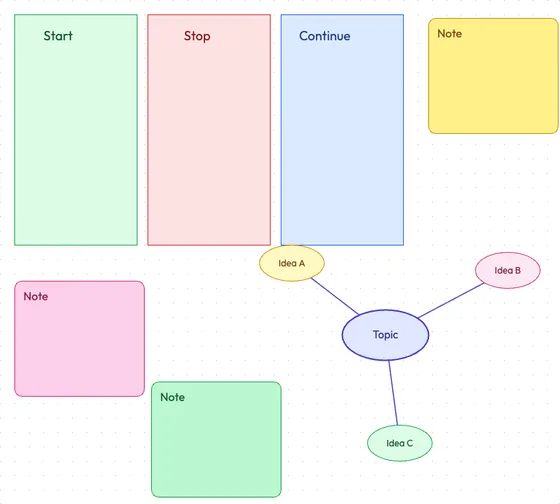
Online Whiteboard
A pannable, zoomable canvas for brainstorming, sticky notes and mind maps. Sketch, drag shapes and export as PNG, SVG or JSON.
Open Whiteboard → Sketch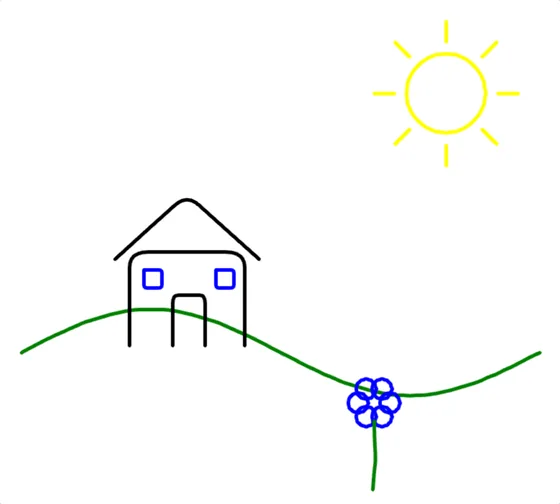
Online Drawing Tool
A free digital canvas for sketching and doodling — freehand pencil with adjustable stroke, plus shapes, text and layers.
Open Drawing Tool → UI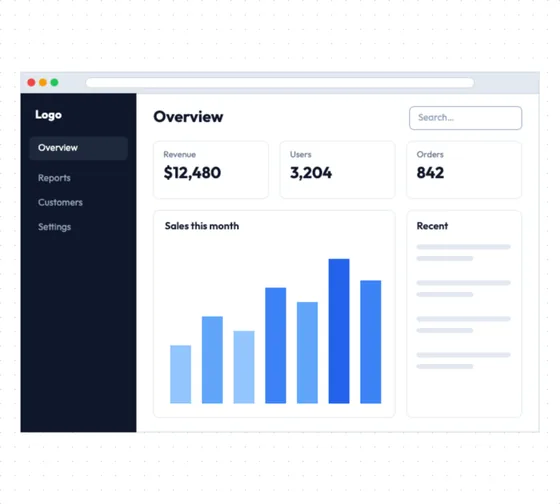
Wireframe Tool
Rough out a screen before you design it. Drag in browser frames, buttons, inputs and layout blocks, snapped to a grid.
Open Wireframe Tool → Diagram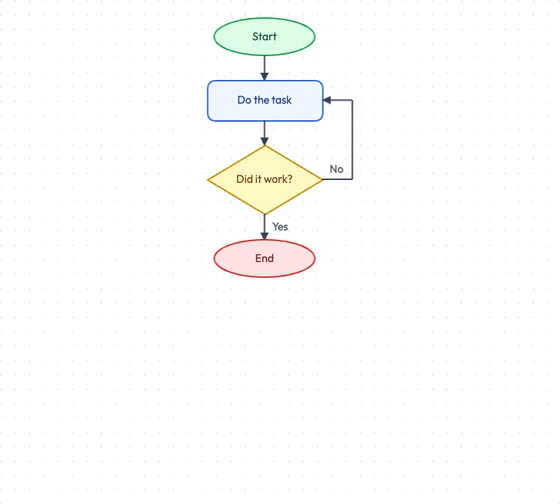
Flowchart Maker
Map out a process, decision tree or system diagram with process boxes, decision diamonds, terminators and connectors.
Open Flowchart Maker → Pixel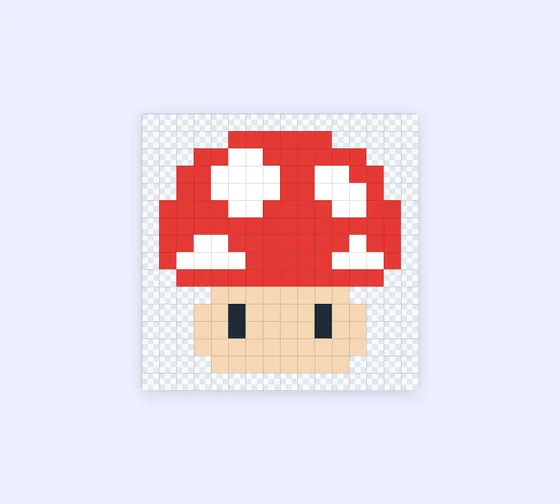
Pixel Art Maker
Draw pixel art and sprites on a custom grid with pencil, fill, shapes and symmetry mirroring, then export as PNG.
Open Pixel Art Maker →A full design studio in your browser
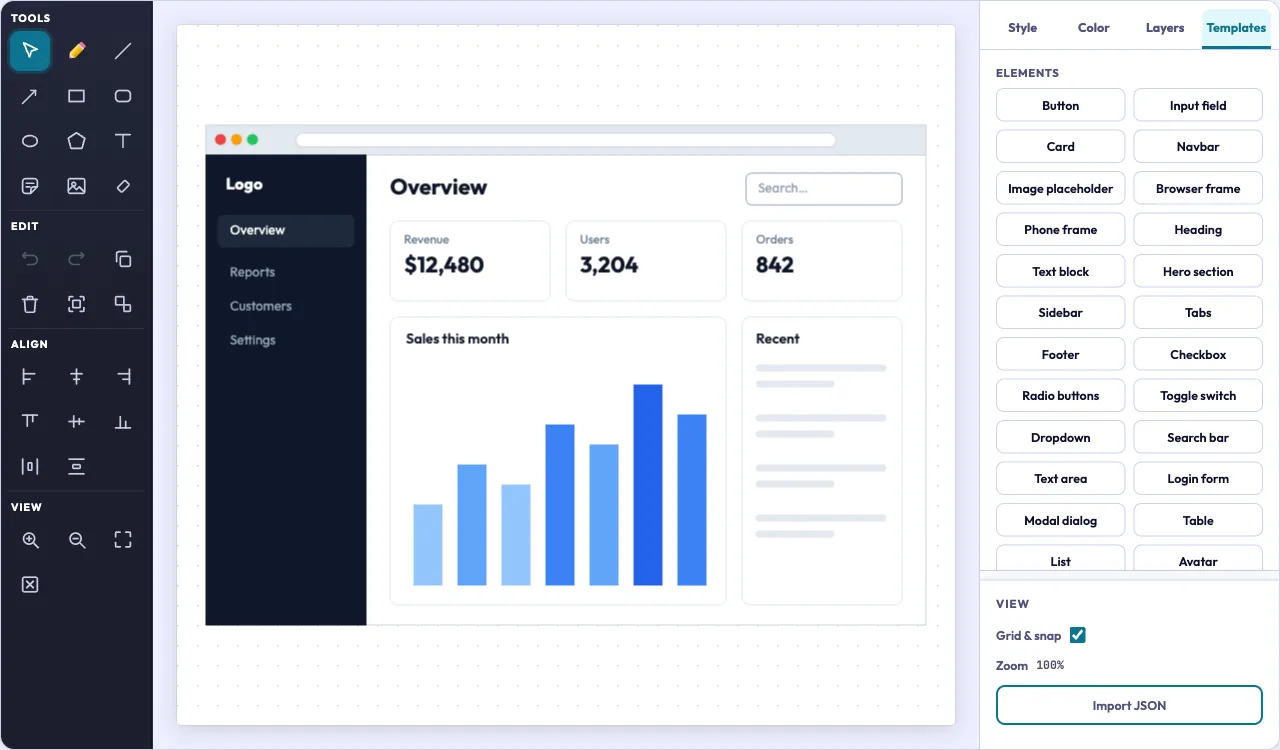
Tools on the left, a snap-to-grid canvas in the middle, and style, colour, layers and templates on the right. One editor runs the whiteboard, the drawing tool, the wireframe tool and the flowchart maker, so whatever you learn in one works in all four.
Start from a whole screen, not a blank page
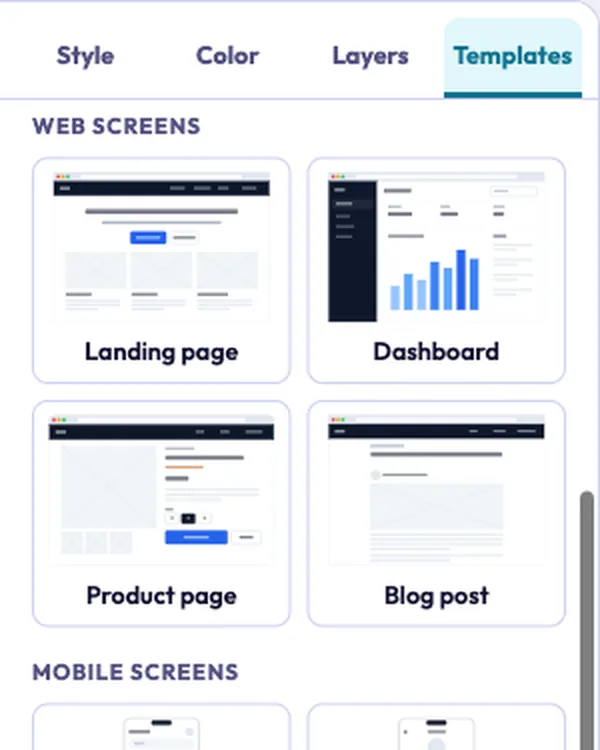
The wireframe tool comes with 14 ready-made screens and 25 single elements. Drop one in with a click, then move, restyle or delete any piece of it.
- Web: landing page, dashboard, product page, checkout, blog post, portfolio, task board, contact page
- Mobile: app home, onboarding, chat, food delivery, music player, settings
- Elements: navbar, hero, cards, forms, table, modal, tabs and more
Sticky notes, mind maps and retro boards
Run a retro, map out an idea or dump thoughts onto sticky notes in six colours. The whiteboard has ready-made kanban, retro and mind-map boards, plus arrows and text to connect it all.
Open the whiteboard →Take your work anywhere
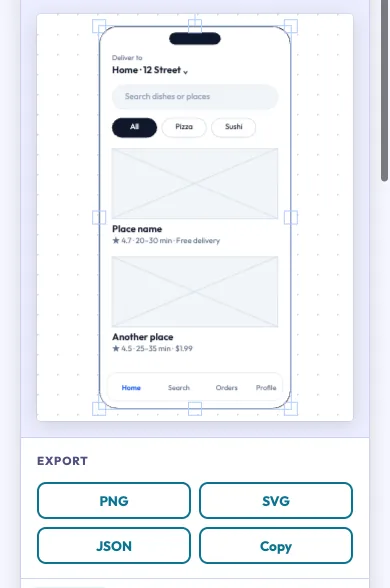
Download a PNG for a doc or a slide, an SVG that stays sharp at any size, or a JSON project you can import later and keep editing. Or copy the PNG straight to your clipboard. There is no watermark and no export limit.
The pixel art maker exports a scaled PNG, from 1x to 32x per pixel.
- 0
- files uploaded
- 0
- accounts to create
- Auto
- save in this browser
Your drawings never leave your device
Every tool runs in your browser. Nothing you draw or add is sent to a server, there is no sign-up, and your work autosaves in this browser as you go. Once the page has loaded it keeps working without a connection.
Works on desktop, tablet and phone
The editor fits small screens too: the canvas comes first and export is one tap away. Draw with a mouse, a trackpad or a stylus, and nothing needs installing.
Open the flowchart maker →Start designing now
Free, no sign-up, nothing uploaded. Pick a tool and you are drawing in a second.