Drag to orbit · scroll or pinch to zoom · click a planet for its facts. The planets move at their real relative speeds.
Planet textures by Solar System Scope (CC BY 4.0). Positions computed in-browser from orbital models.
Tap any planet to open its page.
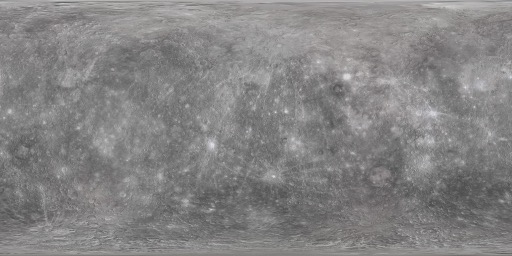 Mercury0.39 AU2,440 km176 days88 days0167 °C
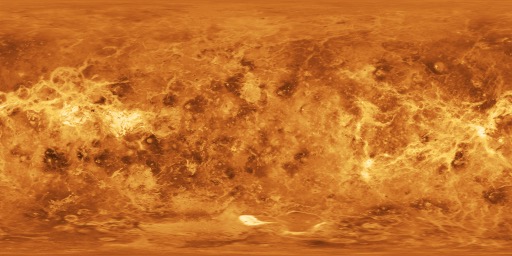 Venus0.72 AU6,052 km117 days225 days0464 °C
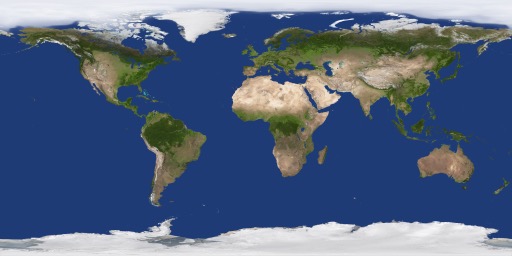 Earth1.00 AU6,371 km24 hours365 days115 °C
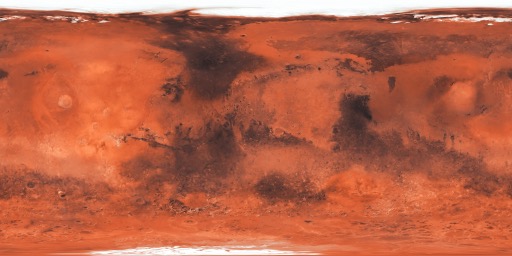 Mars1.52 AU3,390 km24.7 hours687 days2-63 °C
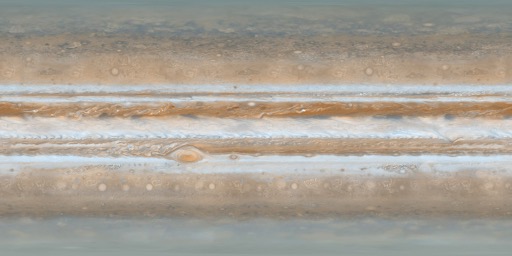 Jupiter5.20 AU69,911 km9.9 hours11.9 years95-108 °C
 Saturn9.54 AU58,232 km10.7 hours29.4 years146-139 °C
 Uranus19.19 AU25,362 km17.2 hours84 years28-197 °C
 Neptune30.07 AU24,622 km16.1 hours165 years16-201 °C
Physical data from published planetary references. Each planet links to its own page in the planets guide.
Are the planet positions real?
Yes — the planet positions in this simulator are real. The Sun and the eight planets are placed at their real heliocentric positions, computed in your browser from established orbital models (the same astronomy engine used for ephemeris work). As the simulation runs, they move at their correct relative orbital speeds.
Is the model to scale?
Not literally — the model is not to scale. A true-to-scale solar system is almost entirely empty space, so the planets would be invisible dots. This default view keeps the real orbital directions but compresses distances and enlarges the planets so everything is visible on one screen. A true-scale mode is planned.
Where does the data come from?
Planet positions are computed client-side from orbital models — there is no server call and no API key. Physical facts such as radius, day length and moon counts are drawn from published planetary data. Everything runs in your browser.
Why do I need WebGL?
The model is rendered in 3D using WebGL, which almost every modern browser and phone supports. WebGL is what lets the eight orbits and the textured planets redraw every frame on your own device, with no server doing any of the work. If your browser does not support it, the page shows a notice in place of the 3D view and the planet facts below stay available.